Captio: How Many Hours Automating Expense Management Saves Your Company
Equipo Tecnea
Tecnea
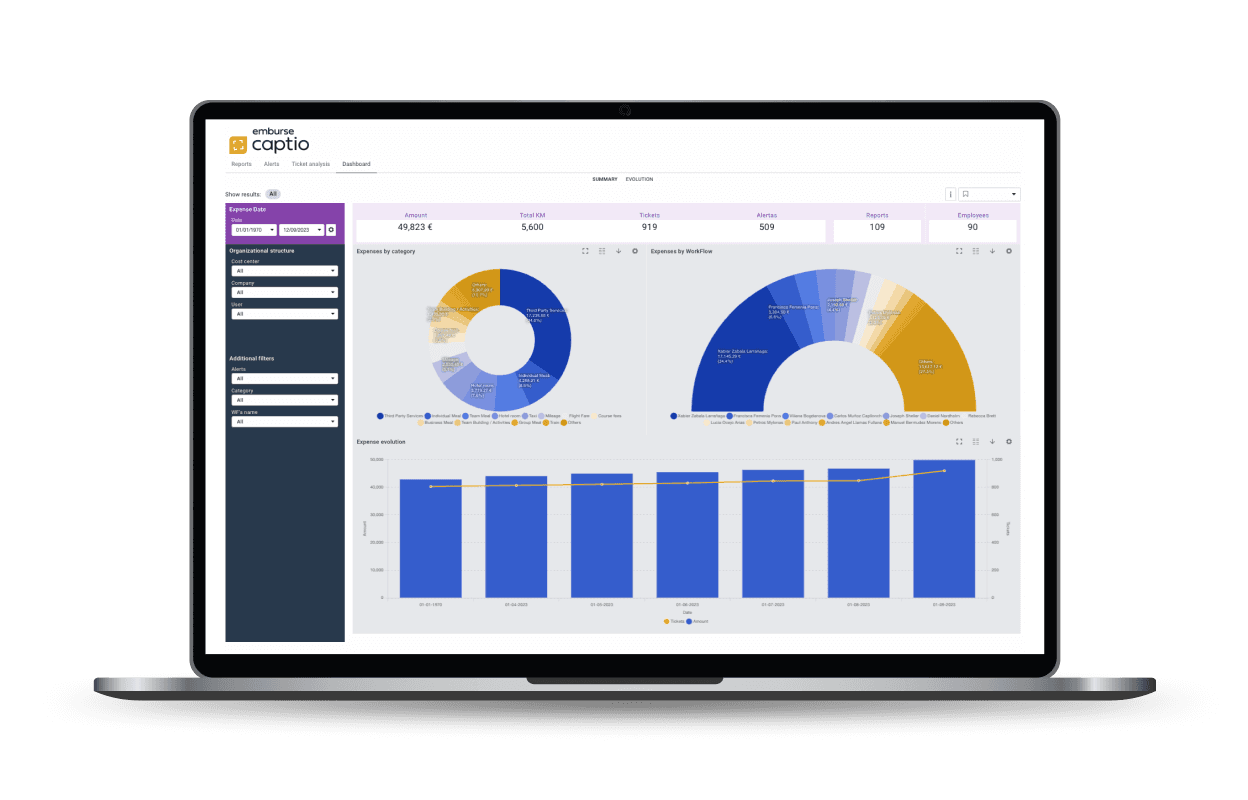
A manual expense report costs your company about 20 minutes of work — and fails one in five times, adding another 18 minutes of correction. That's according to the most widely cited study in the industry, from the GBTA Foundation. Multiply that by every employee who travels, eats out, or buys supplies, and by the reports they file each month, and paperwork stops being a minor annoyance and becomes a cost center nobody measures.
At Tecnea we implement Captio, Emburse's expense management platform, and the first "is this actually worth it?" question is usually answered with a number of hours, not a features list. So that's exactly what this article does: we explain what Captio is and calculate, with a formula you can apply to your own numbers, how much time it frees up.
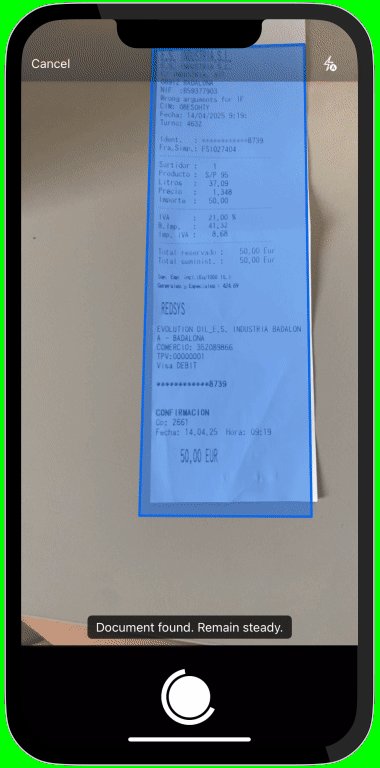 The employee photographs the receipt with their phone; OCR extracts the amount, date, vendor and VAT breakdown without typing a thing.
What Captio is and what it actually solves
Captio is an expense and business travel management platform owned by Emburse, built to digitize and automate the entire expense cycle — from the moment an employee pays out of pocket to the moment that amount is posted in the ERP. Tecnea is an implementation partner: we configure Captio, integrate it with your systems, and provide support.
It covers, in essence, four processes many companies still handle with paper, spreadsheets, and email:
- Receipt and invoice capture via OCR, including VAT breakdown.
- Mileage and per diems, calculated automatically under current regulations.
- Approval workflows, configurable by amount, category, cost center, or project.
- Corporate cards, with automatic reconciliation between the bank transaction and the justified expense.
Captio's receipt digitization is also certified by Spain's Tax Agency (AEAT): once a receipt is in the platform, the company can shred the paper without losing its fiscal validity.
What doing it by hand costs, according to a source outside Tecnea
Before getting into what the vendor says about its own product, it's worth anchoring the problem with an independent source. The GBTA Foundation — the research arm of the Global Business Travel Association — has spent years measuring the real cost of processing a manual expense report in the US. Its figures, cited across the industry:
- ~20 minutes on average to complete an expense report.
- 1 in 5 reports (19%) contains errors or missing information.
- Correcting each of those flawed reports adds 18 minutes.
- The companies in the study process, between them, an average of 51,000 expense reports a year, which works out to roughly 3,000 hours a year spent just fixing errors.
Objectivity note: this is a US study, with different salaries and expense habits than a Spanish company — treat it as an order of magnitude, not an exact figure for your case. Even so, it's the most-cited independent benchmark in the industry, and it's consistent with what we see in the implementations we run at Tecnea.
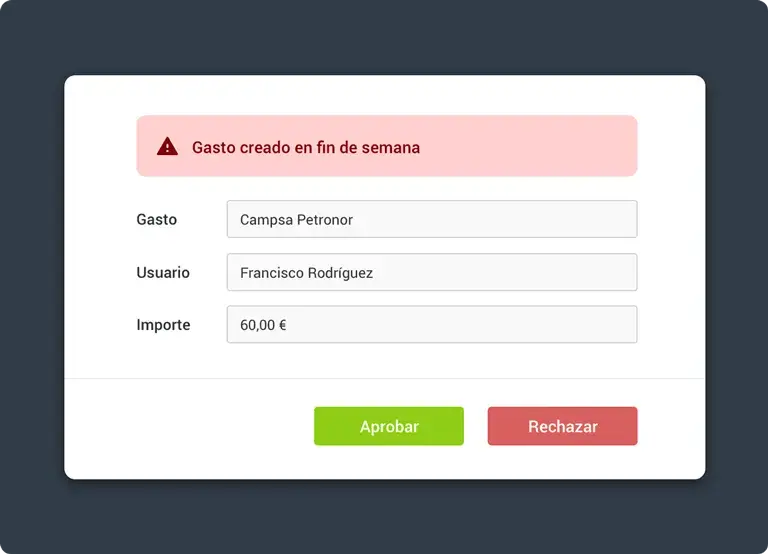 Simple, hierarchical, or project-based approval — without anyone having to chase an email to sign off on an expense.
What Captio says about its own savings
Captio publishes three specific figures about its capture and approval module:
- 70% less time spent registering expenses, thanks to OCR.
- Under 1% error rate, versus the 19% GBTA measures in the manual process.
- 60% less time in the approval process, thanks to automated workflows and notifications.
The calculation: how many hours does your company actually save
This is where most "time savings" articles stop at loose percentages. Let's turn it into hours, with a simple formula you can rebuild with your own numbers:
Hours saved per year = employees who file expenses × reports per month × minutes saved per report ÷ 60 × 12
To get to "minutes saved per report," we start from the figures above:
- Manual filing: ~20 minutes per report.
- Error correction (applies to 19% of cases): 0.19 × 18 min ≈ 3.4 minutes on average.
- Total manual time per report: ~23 minutes.
- With Captio, applying the 70% reduction to filing and the under-1% error rate: (20 × 0.30) + (0.01 × 18) ≈ 6 + 0.2 ≈ 6.2 minutes.
- Savings per report: 23 − 6.2 ≈ 17 minutes. To stay conservative, we round down to 15 minutes per report in the examples below.
That's just the employee side of filing the report. It doesn't include the time saved by whoever approves it (Captio claims 60% less there too) or whoever posts it in the ERP — so if anything, this calculation is on the low side.
- 20 employees, 2 reports a month: ~10 hours a month → ~120 hours a year.
- 60 employees, 2 reports a month: ~30 hours a month → ~360 hours a year.
- 60 employees, 4 reports a month (a sales team): ~60 hours a month → ~720 hours a year.
Three hundred sixty hours a year is more than 45 full 8-hour working days — a month and a half of one person's work, every year, spent purely on filing and fixing expense reports. And that's for a 60-person company with a moderate pace of spending.
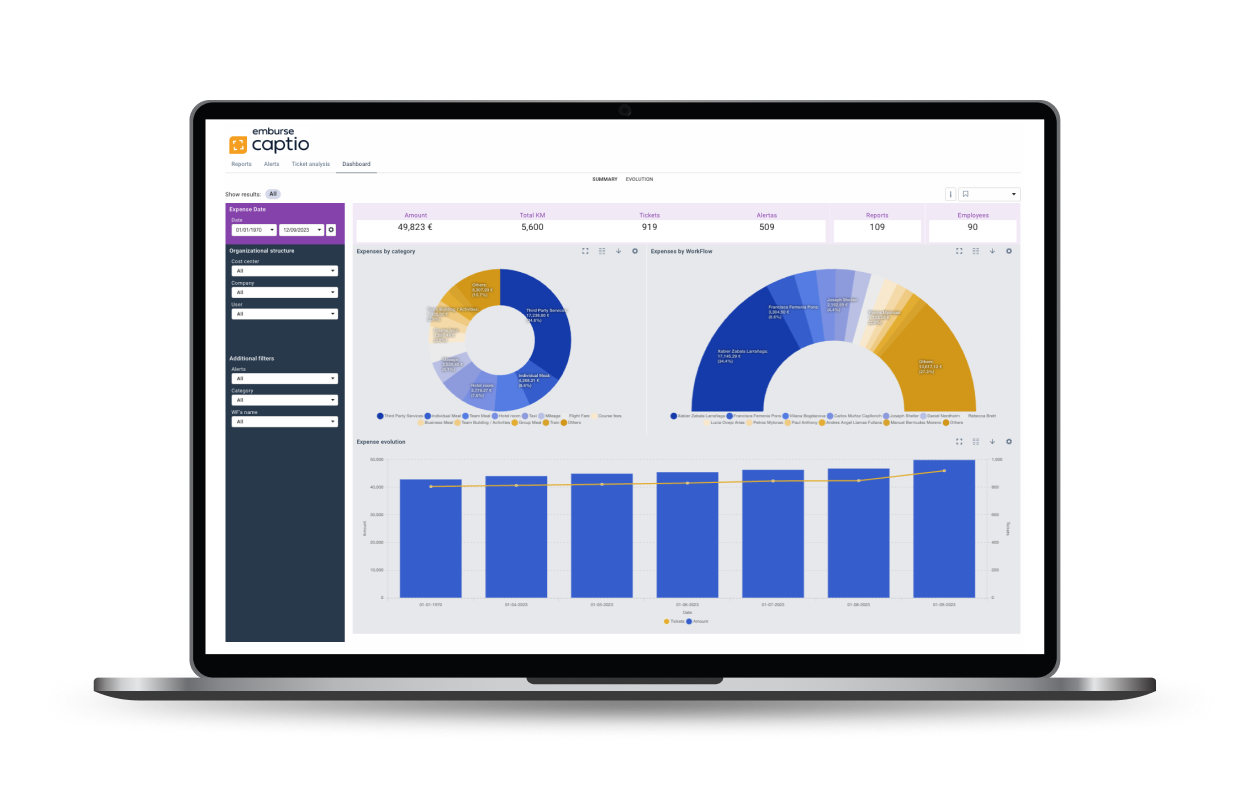 Real-time visibility into spend, instead of finding out about the overage at month-end close.
Beyond the hours: control and traceability
Time is the easiest number to calculate, but it isn't the only benefit. With corporate cards connected, Captio automatically reconciles every bank transaction against its receipt, and flags unjustified charges in real time — before they reach month-end close, not after. And by integrating natively with SAP, Navision, Sage, or A3, approved expenses post themselves, without the double data entry that today multiplies the risk of error in many finance departments.
What to do with this
- Measure your current situation first. How many people file expenses, how many reports a month on average, and who approves them. Without this, any savings calculation is just a guess.
- Apply this article's formula to your own numbers, not our examples. The result changes a lot depending on how much your team travels or spends.
- Start where it hurts most. If you have a sales or field team that travels often, that's where you'll recover time fastest — faster than anywhere else in the company.
- Check whether the problem is just paperwork, or integration too. If your ERP doesn't connect well with anything, automating capture alone leaves half the problem unsolved.
- Ask for a demo with your own case. The numbers in this article are illustrative; yours aren't.
Frequently asked questions
What exactly is Captio, and who's behind it? It's Emburse's expense and business travel management platform. It digitizes receipts and invoices, automates approval, and integrates with your ERP. Tecnea is its implementation partner in Spain.
Is it for small companies, or only large corporations? It's built for medium and large companies whose employees generate expenses regularly — travel, per diems, supply purchases. If your company is very small or expenses are occasional, the hourly savings in this article will be proportionally smaller.
Does it work with our current ERP? It has native connectors for SAP, Navision, Sage, and A3, plus a REST API for custom integrations. It's one of the parts of the project Tecnea works on directly.
What happens to paper receipts? Can we shred them? Yes. Captio's digitization is certified by Spain's Tax Agency, so the digital receipt holds the same fiscal validity as the paper one.
How much does implementation cost? It depends on the number of users and which modules you need (corporate cards, travel, carbon footprint...). We won't give a generic figure here, because it wouldn't be honest — the right approach is to calculate it against your real case.
If you want to know exactly how many hours your company would free up, using your own headcount and expense volume, you can request a Captio demo and we'll work it out together with your real numbers, not a generic example.
This article is informational. Tecnea is a Captio implementation partner and has a commercial interest in this solution, which we've tried to flag as clearly as possible throughout. The per-report savings figures are an estimate built from public GBTA and Captio data, not a promise of results — your actual savings depend on your expense volume and how the tool is implemented.
Sources
¿Te ha resultado útil este artículo?
Publicamos análisis sobre IA y tecnología empresarial. Sin spam — solo cuando escribamos algo que valga la pena leer.
Did you like this article?
Tell us what you'd like to automate in your company and we'll tell you, with no strings attached, where to start.


