How to choose expense management software for your company: the checklist
Equipo Tecnea
Tecnea
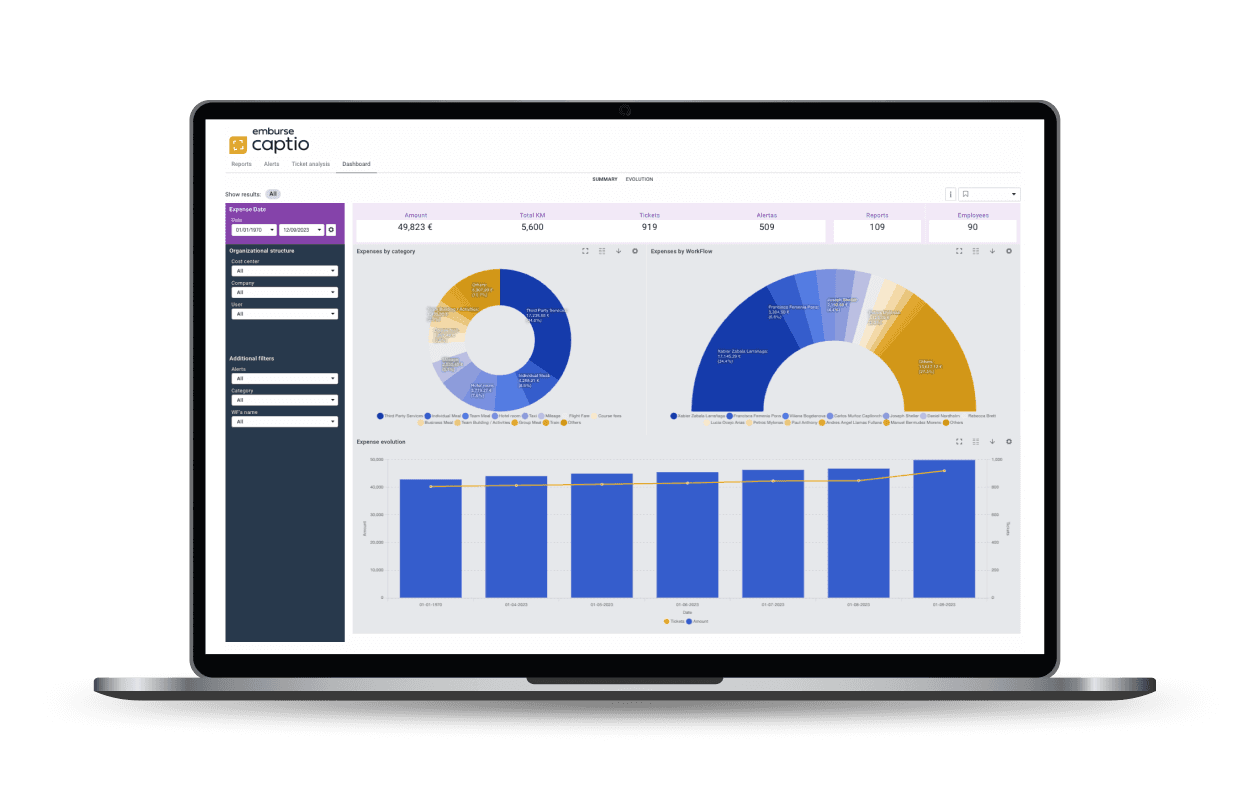
When a company decides to leave spreadsheets and paper receipts behind for expense management, it runs into a market of tools that, on paper, advertise practically the same things: "smart OCR", "automatic approval", "ERP integration". The real difference between them isn't in the feature list of the brochure; it's in how they behave with your receipts, your ERP, and your actual expense volume. Here's the list of criteria to evaluate them with more than the vendor's own word.
1. Real OCR speed and accuracy, not the marketing figure
Every tool on the market claims "smart OCR". A good implementation, besides reading the amount, extracts the VAT breakdown automatically, identifies the vendor without manual intervention and rarely fails. Don't trust a generic demo with the vendor's own sample receipts: ask for a trial with your own real receipts, the most common ones in your company (crumpled restaurant receipts, petrol station invoices, toll receipts), and time yourself how many need manual correction.
2. Tax certification: can you shred the paper?
In Spain, digitizing a receipt only legally replaces the paper if it's certified before the Tax Agency (AEAT). Without that certification, your company is still required to keep the original paper, which erases much of the document-management savings. Ask explicitly whether the certification belongs to the tool's own vendor or a third party, and ask for the reference.
3. Approval workflows configurable to your actual structure
A fixed-amount approval flow works for a small company. One with several cost centers, projects, or departments needs configurable rules (by amount, category, cost center, or project) without every exception having to be resolved by email outside the tool.
4. Native integration with your ERP, not a generic API
There's a big difference between "has a REST API" and "has a native connector proven with your specific ERP". If you use SAP, Navision, Sage, or A3, ask whether a connector already exists and is in production with other customers: not just the theoretical possibility of connecting it. An untested integration is a separate project, with its own timeline and cost.
5. Automatic corporate card reconciliation
If your company uses corporate cards, the tool should automatically reconcile every bank transaction with its supporting receipt, and flag in real time any charge with no receipt attached: before the accounting close, not a month later when someone finds it.
6. Where your data lives
Expense data includes vendor information, amounts, and, for mileage and per diems, your employees' movements. Before signing, ask which region the data is hosted in and whether the contract includes a GDPR-compliant data processing agreement: don't assume "it's in the cloud" means "it's in the EU".
7. Who implements it, not just who builds it
A large vendor doesn't always have local implementation support in your language, familiar with your specific ERP. Ask whether you'll be dealing directly with the vendor or with a local implementation partner, and what level of support you get during and after go-live.
How to compare the OCR of two tools without buying either
It's the question that comes up most and is hardest to answer with just each vendor's own figures: ask for a demo with real access (not a limited version) to the two tools your company is weighing, run the same batch of 20-30 of your own real receipts through both, and compare yourself how many needed manual correction and how long the whole process took. It's the only comparison that doesn't depend on trusting anyone's word.
Our recommendation
At Tecnea we implement Captio, Emburse's expense management platform, which is why we're not a neutral source: we say so plainly. That said, the figures Captio publishes about its own OCR are verifiable, and we calculated them against real implementation data in our article how many hours Captio saves: a 70% reduction in registration time, an error rate under 1%, digitization certified before the Spanish Tax Agency, and native connectors with SAP, Navision, Sage, and A3. If you'd like to test it with your own receipts, you can request a Captio demo.
Frequently asked questions
Do I need to change my ERP to use expense software? You shouldn't have to. A good tool integrates with the ERP you already use: if a vendor suggests switching accounting systems to adopt their expense tool, that's a red flag, not an advantage.
How long does a typical implementation take? It depends on the number of users, whether there are corporate cards to reconcile, and the complexity of the ERP integration. An implementation without a complex integration usually takes weeks, not months; one with custom connectors can take longer.
Does it work for a small company or only large corporations? Tools like this deliver more value the more employees generate expenses regularly: travel, per diems, supply purchases. If your company's spending is sporadic, the savings will be proportionally smaller and may not justify the switch yet.
What if my expense volume grows or shrinks a lot from one year to the next? Ask about the pricing model before signing: whether it's per active user or per processed report, and whether the contract allows adjusting volume without a penalty.
Sources
- GBTA Foundation: How Much Do Expense Reports Really Cost a Company?: https://gbta.org/how-much-do-expense-reports-really-cost-a-company/
- Tecnea, Captio: how many hours automating expense management saves your company
- Tecnea: Captio expense management: https://www.tecnea.es/en/captio
This article is informational. Tecnea is a Captio implementation partner and has a commercial interest in this solution, which we state as plainly as possible — the criteria in this list apply to evaluating any tool on the market, not just ours.
Did you find this article useful?
We publish analysis on AI and technology for businesses. No spam: only when we write something worth reading.
You can unsubscribe from any email. Privacy policy
Did you like this article?
Tell us what you'd like to automate in your company and we'll tell you, with no strings attached, where to start.


